The import wizard handles column mapping, data validation, duplicate detection, and record merging. Pre-built mappings for ten major platforms — and AI column mapping for everything else — mean you don't start from scratch.
Import donors and donations from DonorBox CSV exports with one click.
Bring your Givebutter campaign data, donors, and transactions.
Import GoFundMe campaign supporters and contributions.
Map LaunchGood campaign donations and supporter data.
Import Network for Good donor records and giving history.
Bring Bloomerang constituents, donations, and recurring schedules across.
Import Classy campaigns, supporters, and transaction history.
Map DonorPerfect donor records, gifts, and pledges with one click.
Import Keela contacts, donations, and campaign data.
Import PayPal transaction exports and donor details.
Any CSV file — AI column mapping suggests the field matches; you confirm before import.
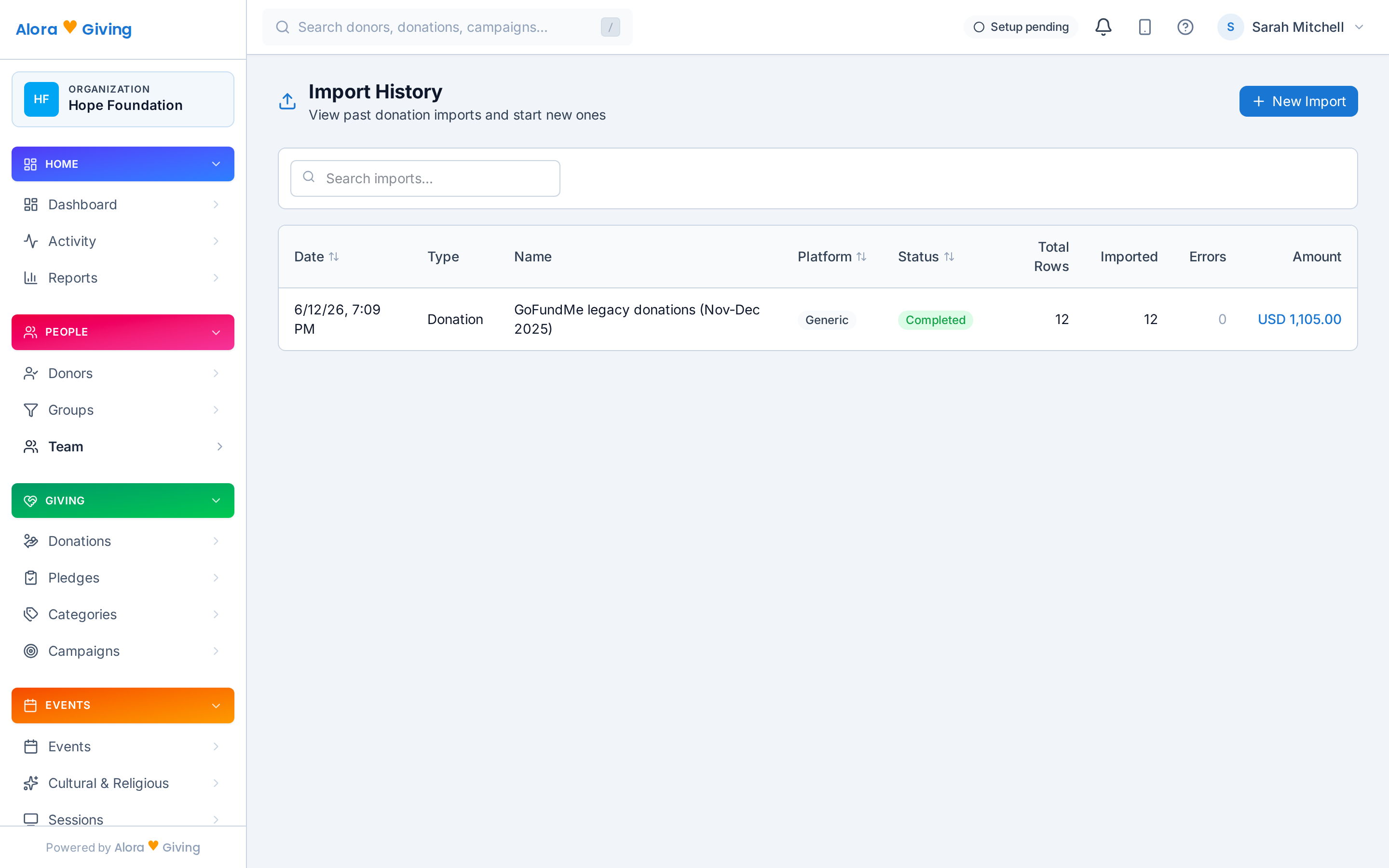
CSV, OFX, or QFX. Drag and drop or browse. Up to 10MB per file.
The wizard auto-detects columns for known platforms. For everything else, AI reads your headers and sample rows and proposes the field mapping — you review and confirm before anything imports.
Every row is validated before import. Duplicates are flagged with a side-by-side comparison.
New records are created. Duplicates are merged or skipped based on your choice. Full audit trail.
Beyond the wizard
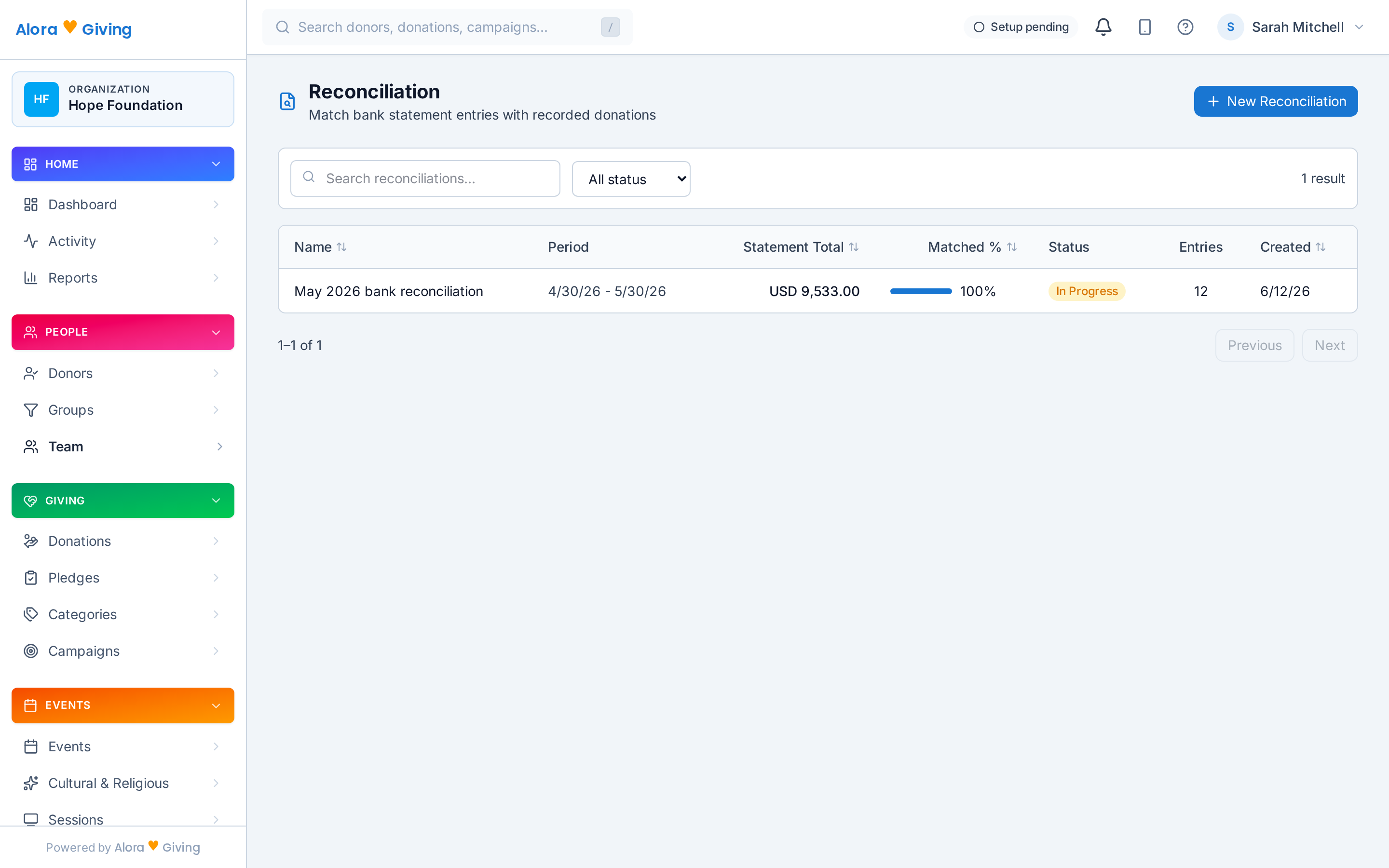
Upload a bank statement (CSV/OFX) and the AI matches deposits against imported and recorded donations — flagging what reconciles cleanly, what's missing, and what doesn't add up. Your treasurer gets a matched ledger instead of a weekend of cross-checking.
Moving off a platform with a data partner, or paying a consultant to handle the migration? Grant a third-party importer scoped access to upload on your behalf — you review and approve everything before it lands in your records.