The kiosk donation flow

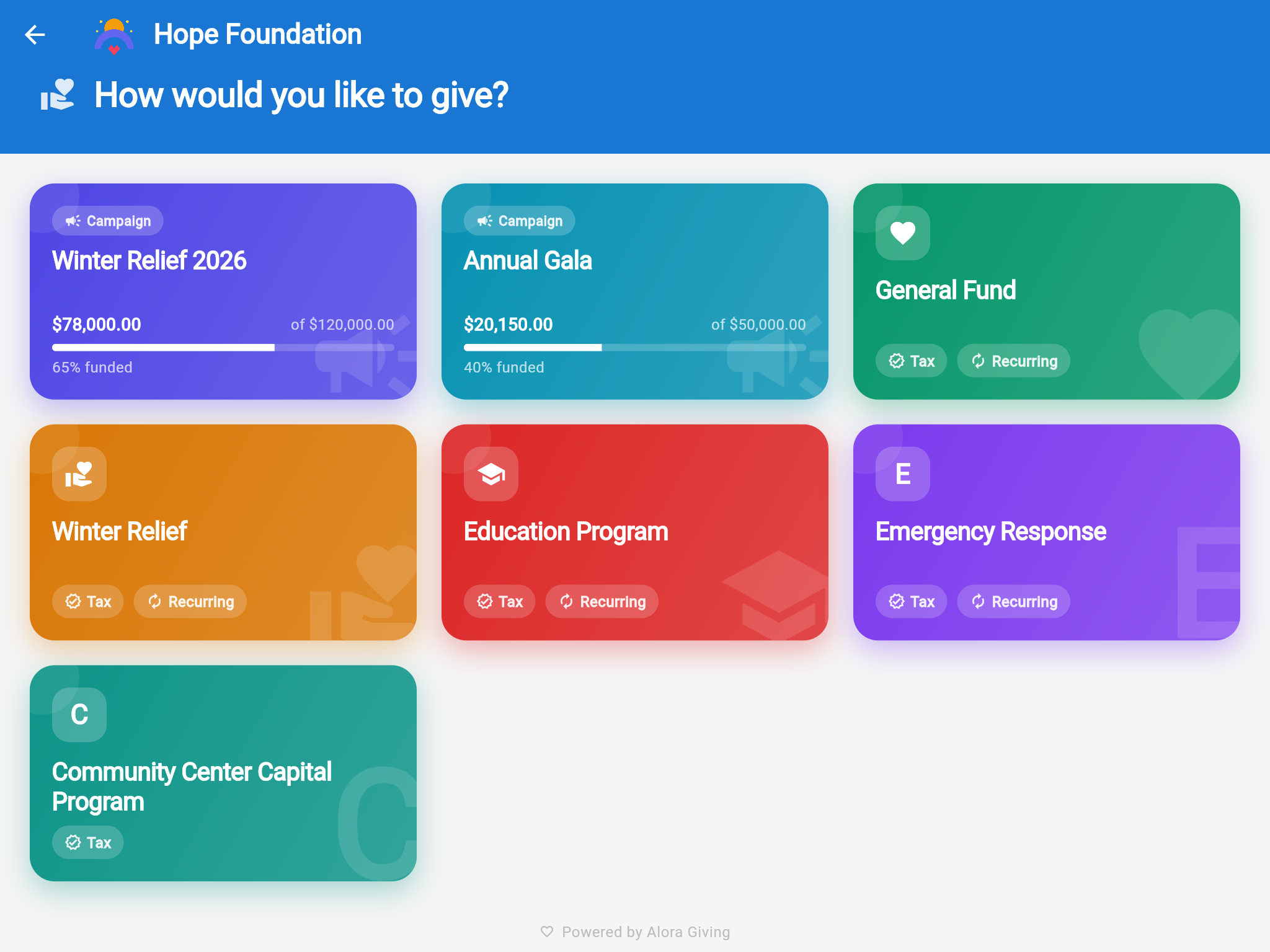
Kiosk category selection
Choose a Fund
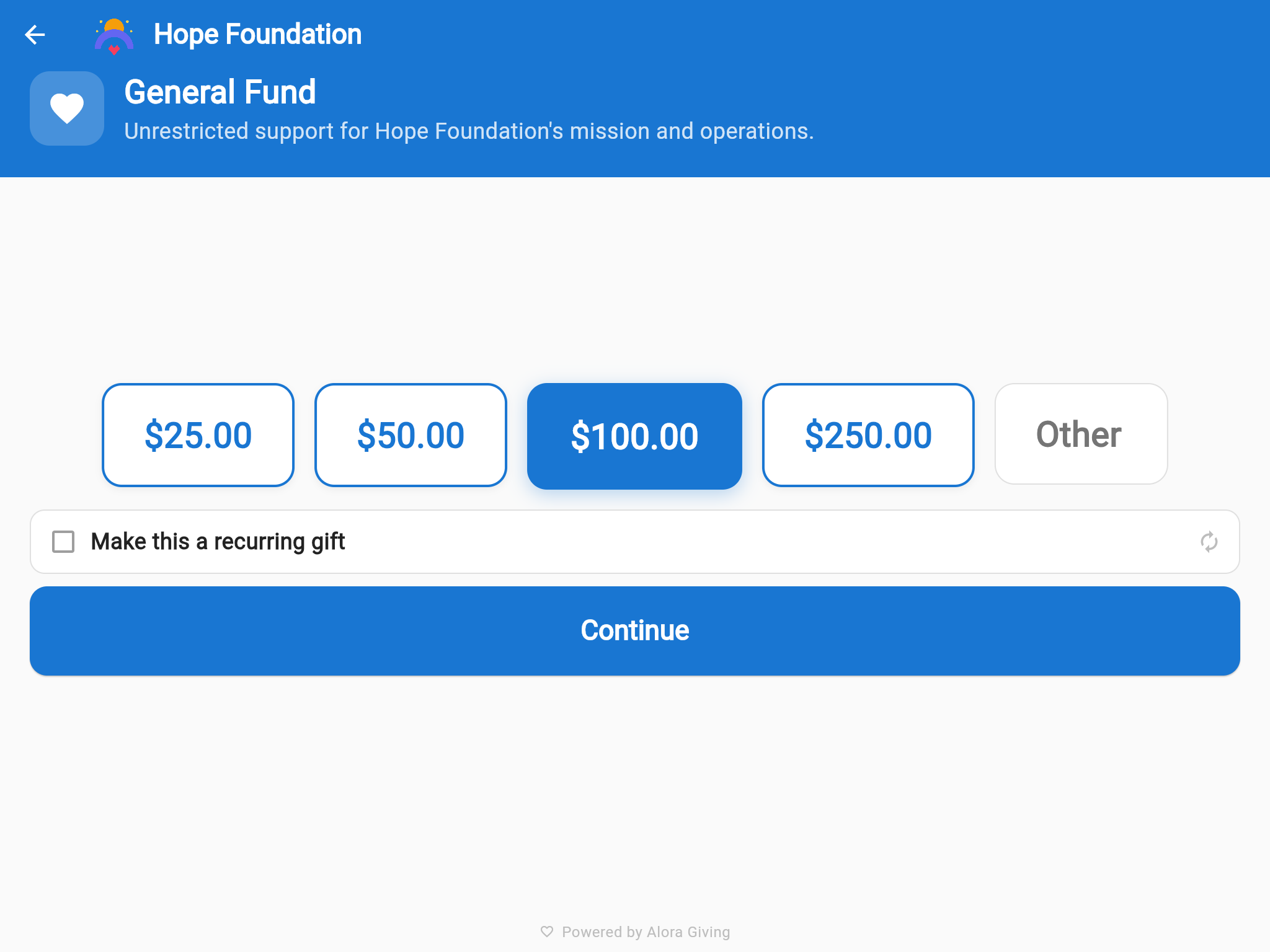
Kiosk amount selection with $100 highlighted
Pick an Amount
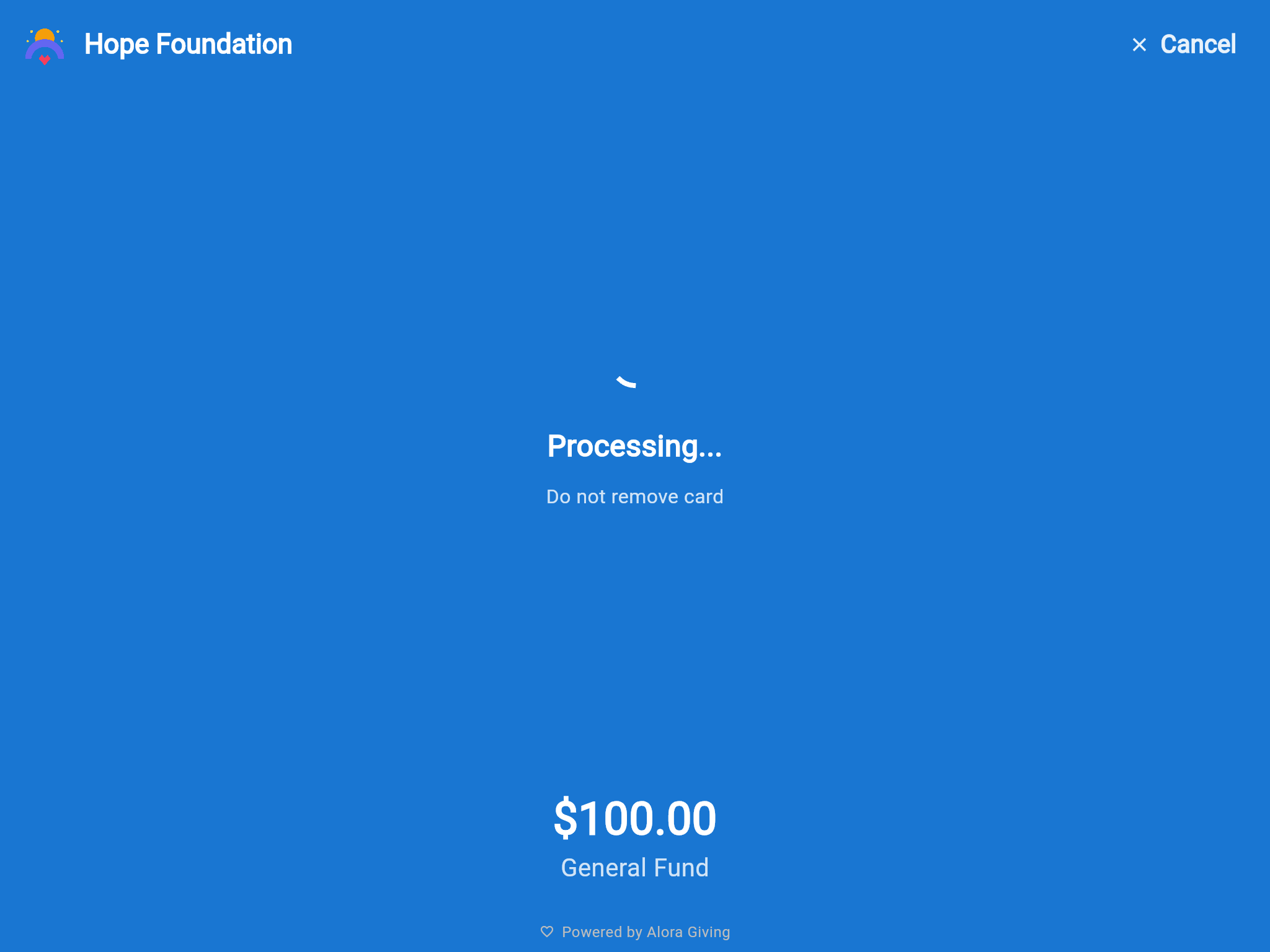
Kiosk processing payment
Tap to Pay
💳

Stripe Terminal integration

Tap, chip, and contactless card payments on Stripe's own hardware — the Stripe WisePOS E smart reader or the compact Stripe Reader M2. Reliable, PCI-compliant processing end to end.

🔒

Kiosk lock mode

App auto-launches on boot, locks to full-screen, and requires an admin PIN to exit. No accidental navigation, no distractions.

📡

Offline resilience

WiFi drops during a service? Donations queue locally and sync automatically when connectivity restores. Configurable alert threshold ensures staff know before the queue grows.

🎨

Branded idle screen

Your organization's name, logo, and colors on every screen. Between donations, the idle screen shows your welcome message and live campaign progress — ready for the next supporter to tap.

📱

Fleet management

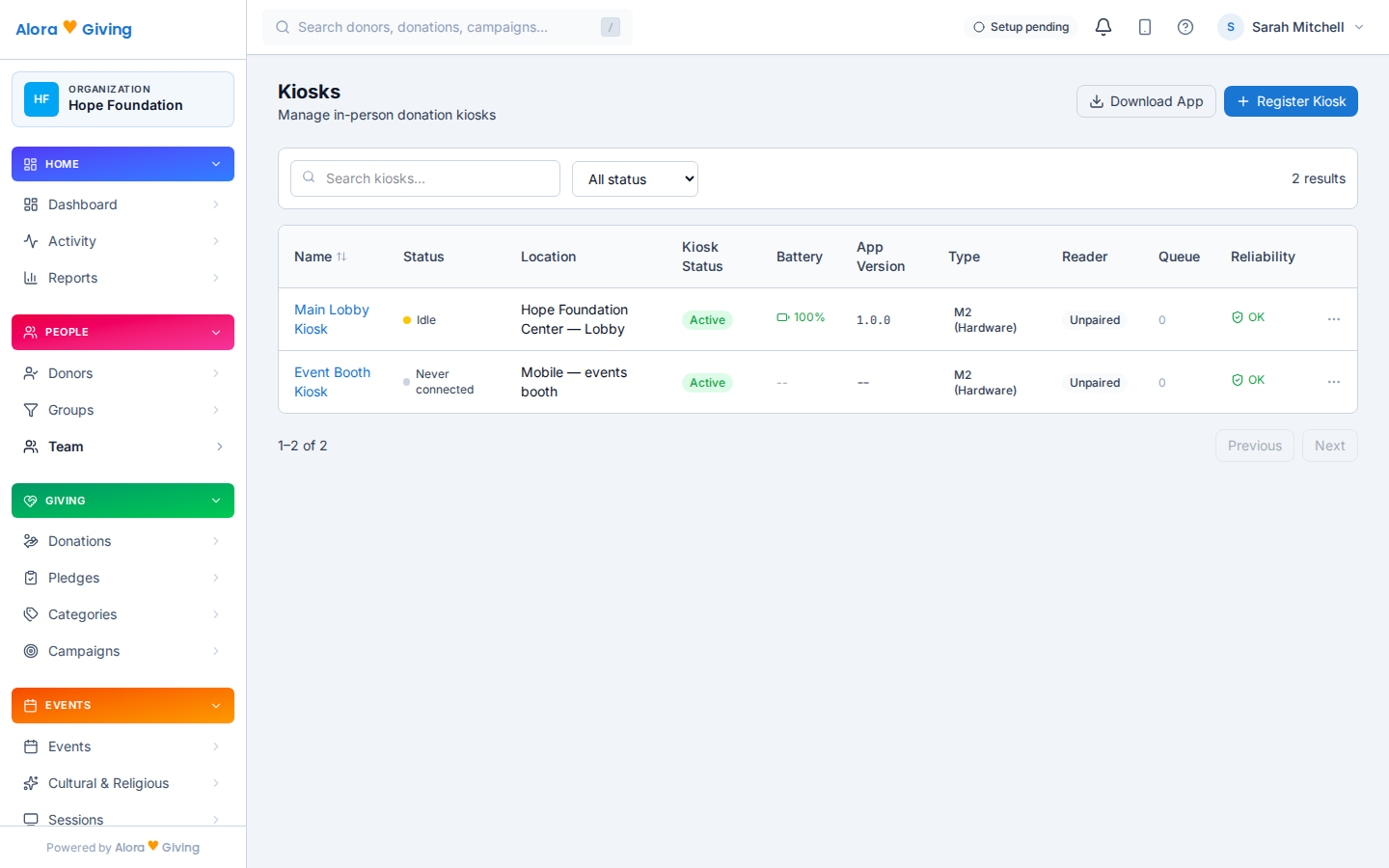
Register multiple kiosks per organization. Monitor health, battery, reader status, and offline queue depth from the admin dashboard — all in real time.

📂

Category selection on device

Supporters choose where their gift goes before tapping. Categories are pulled live from your dashboard settings — add, reorder, or hide categories without touching the tablet.

Any phone becomes a giving kiosk

With the included brand mobile app, the Alora app ships full kiosk mode with Stripe Tap to Pay built in. A supporter taps their card — or their own phone — directly on a staff member's Android phone, and the donation is done. No reader, no tablet, no stand.

It's the way in-person giving starts on day one, and the way it roams on event night: staff carrying Tap to Pay phones table to table at the gala while the kiosks hold the lobby.

Works on any NFC-capable Android phone — no card reader needed
Same 3-tap flow, same campaigns, same dashboard as tablet kiosks
Roaming staff take giving to the donor at galas, dinners, and check-in
Graduate to tablets and Stripe readers when you're ready — Community includes 1 kiosk license; Enterprise includes 10 device licenses
Hope Foundation
Year-End Appeal
$50
📳
Tap card to donate
Stripe Tap to Pay

Included brand mobile app — the donor taps right on the phone

Manage from the dashboard

Admin dashboard showing kiosk health, reader status, and offline queue

Monitor kiosk health, reader status, and offline queue from one dashboard

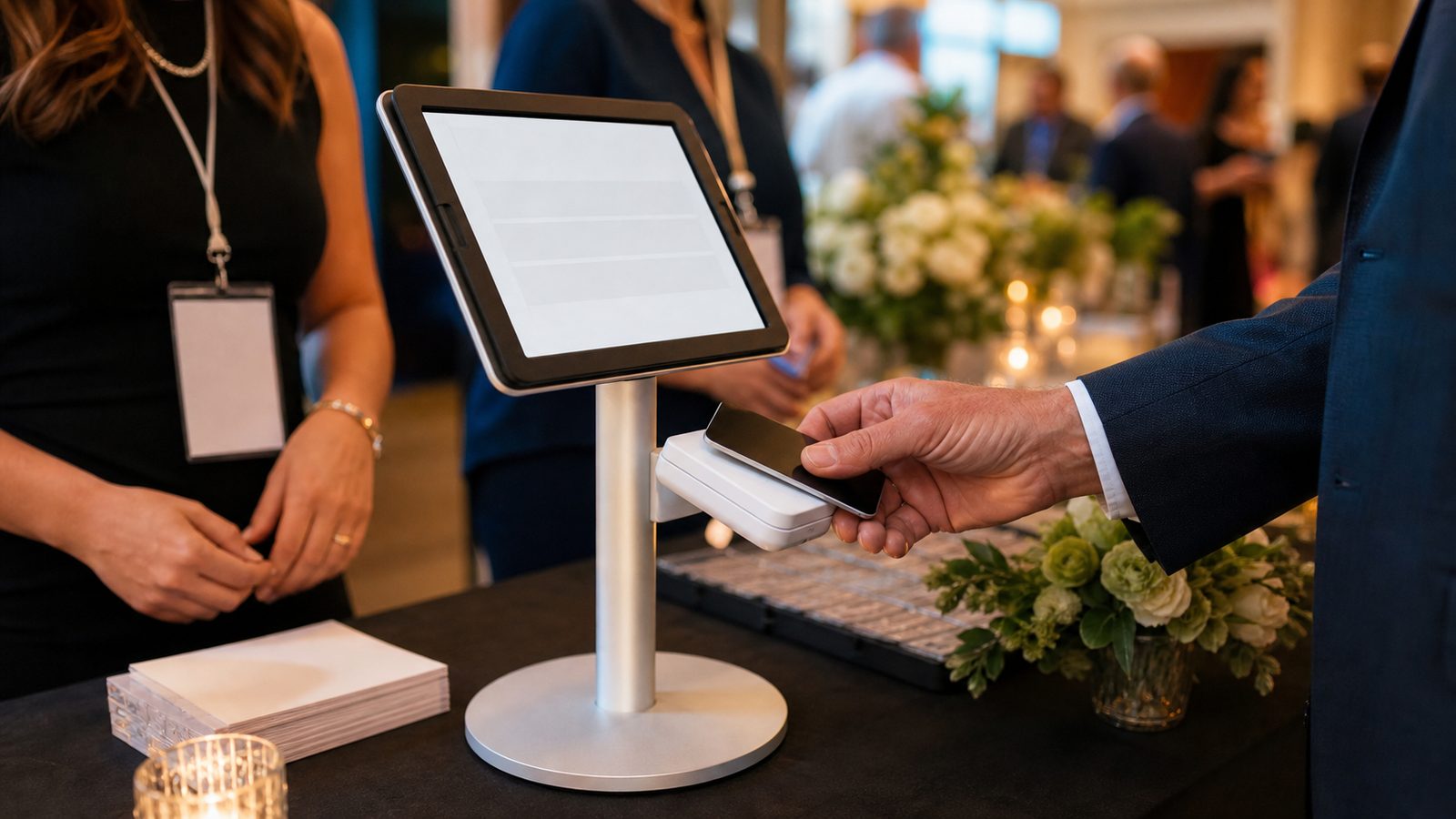
Kiosks at live fundraising events

Galas, benefit dinners, giving days, walkathons — place kiosks at registration, near the stage, and at the exit. Every tap feeds the same campaign goal in real time.

🎯

Live thermometer on the idle screen

The kiosk shows your campaign's progress between donations — attendees see how close you are to the goal and feel the momentum building.

📡

Multiple kiosks, one campaign

Deploy 2, 5, or 10 kiosks across the venue. Every donation from every kiosk counts toward the same goal — plus online and mobile gifts arriving simultaneously.

📲

Roam the room with Tap to Pay

Staff carrying NFC Android phones in kiosk mode take giving to every table — no lines at the kiosk, no card reader to pass around.

Fast checkout — 15 seconds

Category → amount → tap card. No forms, no email required. The supporter walks away in under 15 seconds. Perfect for high-traffic event moments.

What you need

An Android tablet (8" or larger recommended), a Stripe smart reader — the Stripe WisePOS E or Stripe Reader M2 — and WiFi. Community includes your first kiosk license; Enterprise includes 10 kiosk/signage device licenses; additional devices are $9.95/device/month. With the included brand mobile app, an NFC Android phone can also take Tap to Pay donations anywhere.